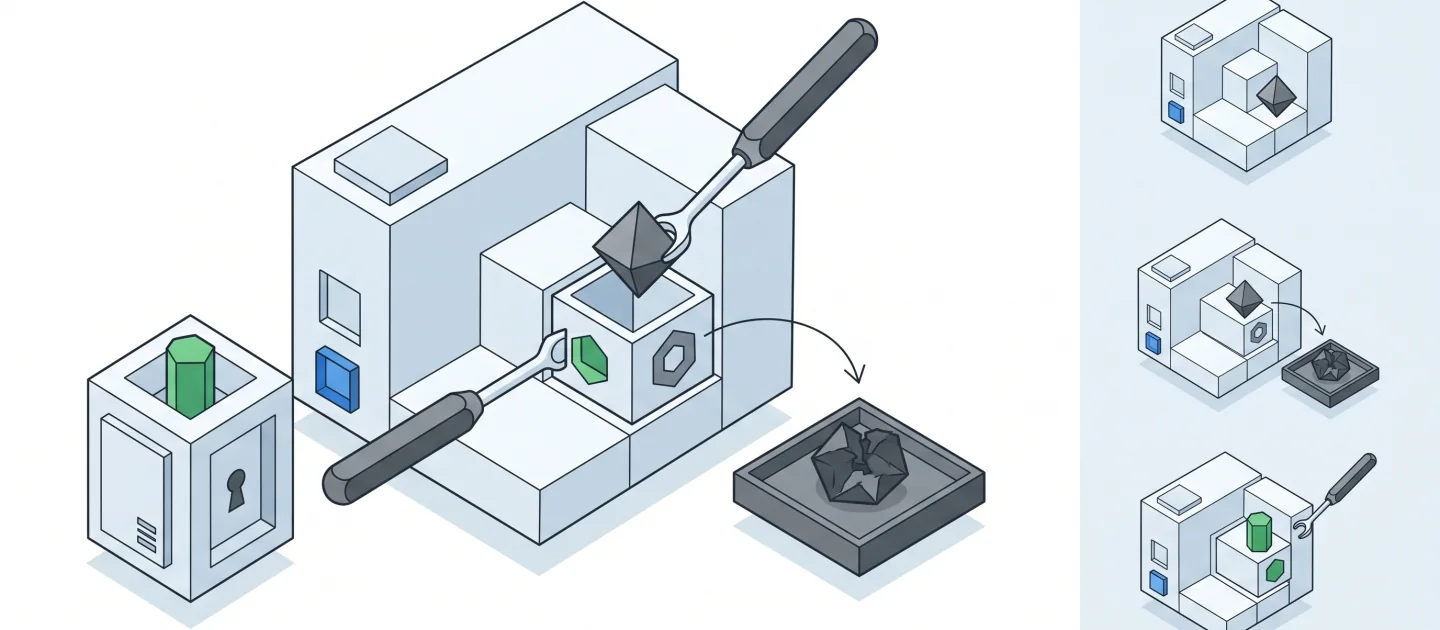
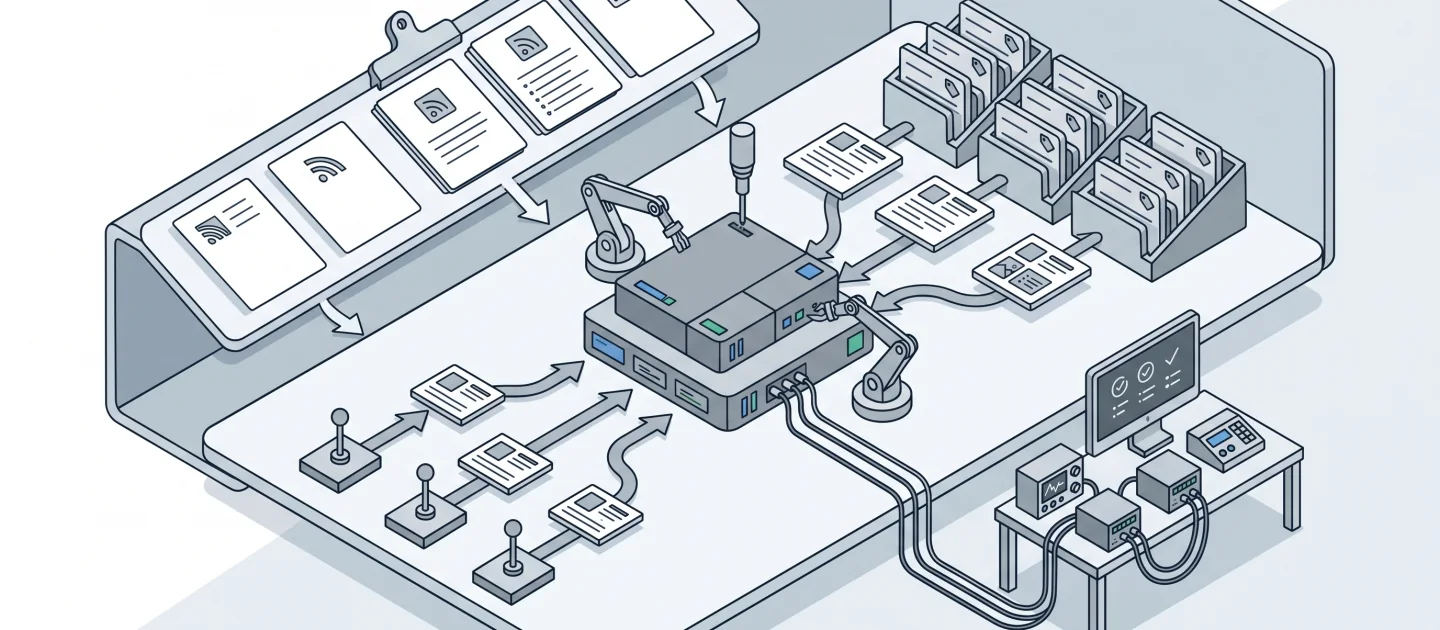
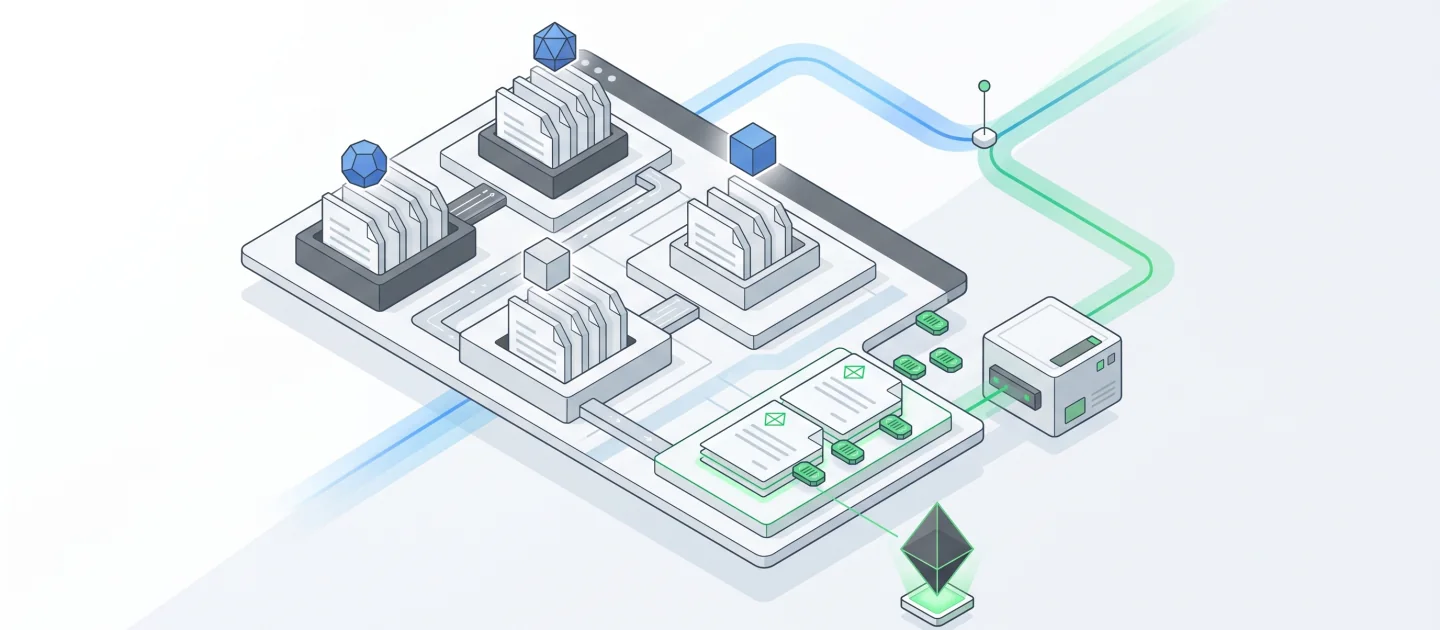
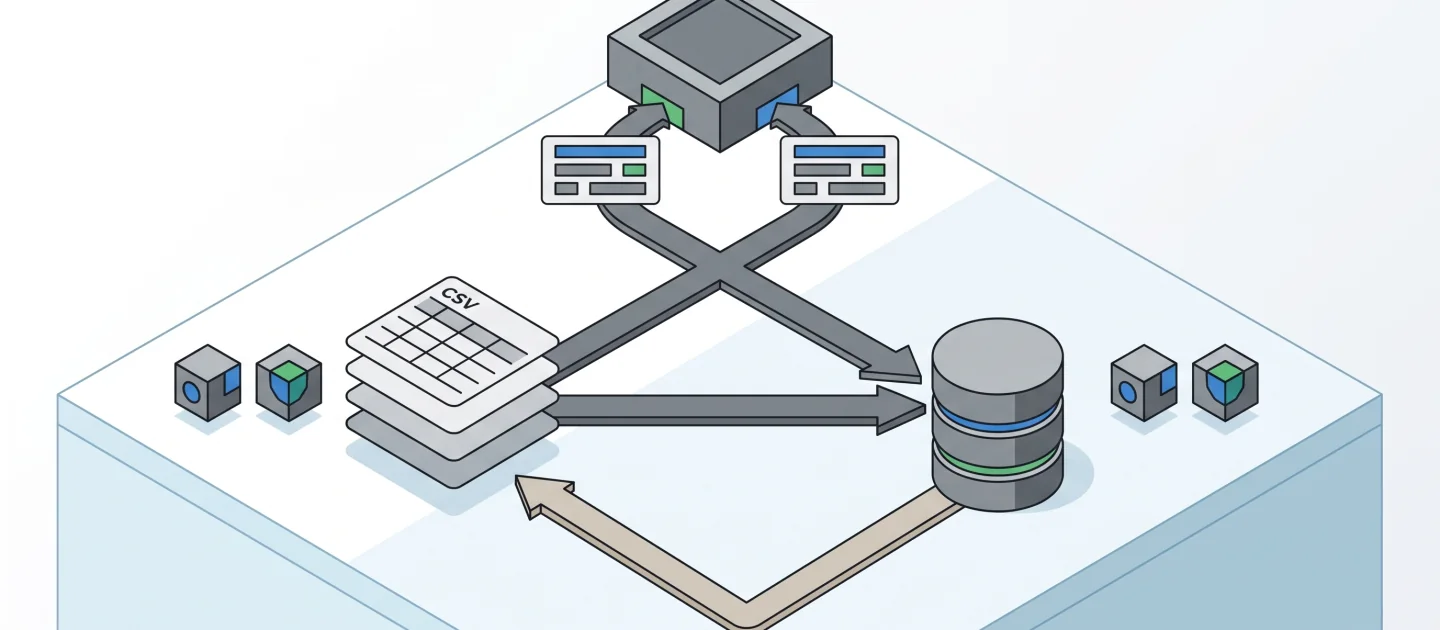
Hands-on GitHub Copilot labs
[!TIP] Download only what you need: the learner-kit catalog includes a ZIP for each of the 21 exercise variants, with instructions, images, tests, synthetic data, licenses and integrity checks. Preparation guides reuse the associated exercise kit rather than duplicating it.
Use these numbered exercises for focused professional scenarios. They share the repository’s evidence-first approach but are not fantasy adventures. Durations are facilitation estimates, not measured completion guarantees.
[!IMPORTANT] Work on one copied fixture at a time. Keep temporary files and caches on the selected work drive; do not run every build or profiler on a shared workstation. Start with environment setup.
Choose a language path; do not build the C# and Python copies simultaneously.
How to choose a Spec Kit case
---
config:
  theme: base
  look: classic
  themeVariables:
    darkMode: false
    background: "#ffffff"
    primaryColor: "#f5f5f5"
    primaryTextColor: "#111111"
    primaryBorderColor: "#555555"
    secondaryColor: "#e0e0e0"
    secondaryTextColor: "#111111"
    secondaryBorderColor: "#666666"
    tertiaryColor: "#bdbdbd"
    tertiaryTextColor: "#111111"
    tertiaryBorderColor: "#444444"
    lineColor: "#444444"
    textColor: "#111111"
    mainBkg: "#f5f5f5"
    nodeBorder: "#555555"
    clusterBkg: "#ffffff"
    clusterBorder: "#999999"
    edgeLabelBackground: "#ffffff"
    actorBkg: "#e0e0e0"
    actorBorder: "#555555"
    actorTextColor: "#111111"
    actorLineColor: "#777777"
    signalColor: "#333333"
    signalTextColor: "#111111"
    labelBoxBkgColor: "#f5f5f5"
    labelBoxBorderColor: "#777777"
    labelTextColor: "#111111"
    loopTextColor: "#111111"
    activationBkgColor: "#bdbdbd"
    activationBorderColor: "#555555"
    noteBkgColor: "#f5f5f5"
    noteTextColor: "#111111"
    noteBorderColor: "#777777"
    attributeBackgroundColorOdd: "#f5f5f5"
    attributeBackgroundColorEven: "#e0e0e0"
---
flowchart TD
    accTitle: Choose a spec-driven development case
    accDescr: Distinguish a new product, a new feature in an existing product, and a technical modernization that preserves consumer behavior.
    Start{"Does working behavior already exist?"}
    Start -->|No| Greenfield["13: Specify a small new product"]
    Start -->|Yes| Change{"What must change?"}
    Change -->|New user behavior| Feature["14: Preserve baseline and add a feature"]
    Change -->|Technical boundary| Modernize["17: Preserve contracts and migrate data"]
    Greenfield --> Evidence["Requirements, implementation and checks"]
    Feature --> Evidence
    Modernize --> Evidence
Legend. Diamonds are scope decisions, rectangles are exercise paths, and solid arrows show selection flow. Labels distinguish new behavior from a storage change.
Explanation. All three paths use Spec Kit artifacts, but their starting evidence and failure risks differ. Modernization requires preserved output, reconciled data, and rollback, not just a new implementation.