The MCP Cartographer

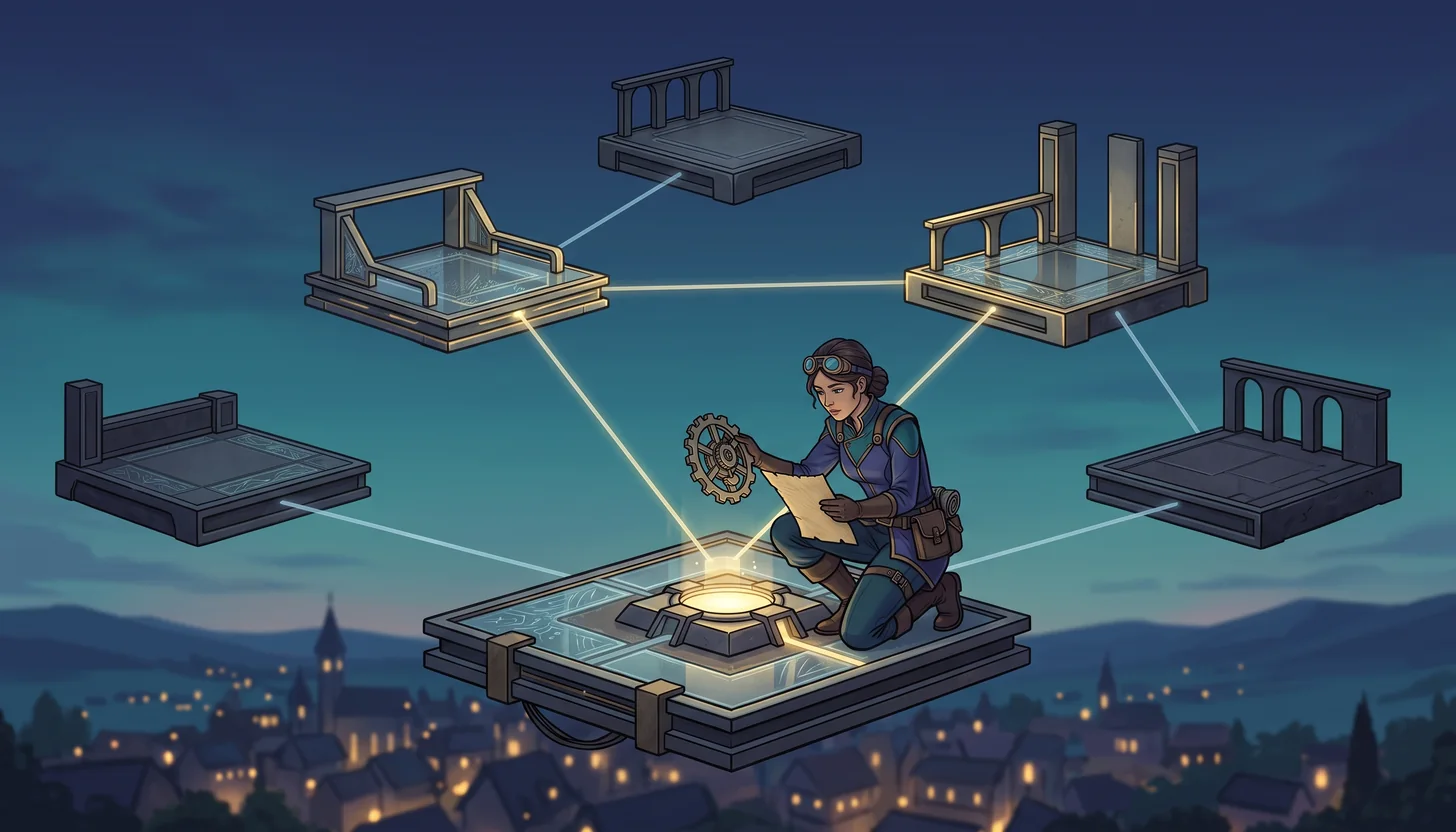
Original concept illustration (SVG)
Mechanism
An MCP server publishes tools the harness can call.
Scroll sideways to see the whole diagram. With the diagram focused, use the left and right arrow keys.
The harness cannot call a tool it has not been told about.
It runs with its own access. Review what it can reach before you enable it.
Configure it in a lab workspace you can delete, not across every project.
[!TIP] Download this learner kit and use the extraction and setup guide. Keep the original starter untouched.
---
config:
  theme: base
  look: classic
  themeVariables:
    darkMode: false
    background: "#ffffff"
    primaryColor: "#f5f5f5"
    primaryTextColor: "#111111"
    primaryBorderColor: "#555555"
    secondaryColor: "#e0e0e0"
    secondaryTextColor: "#111111"
    secondaryBorderColor: "#666666"
    tertiaryColor: "#bdbdbd"
    tertiaryTextColor: "#111111"
    tertiaryBorderColor: "#444444"
    lineColor: "#444444"
    textColor: "#111111"
    mainBkg: "#f5f5f5"
    nodeBorder: "#555555"
    clusterBkg: "#ffffff"
    clusterBorder: "#999999"
    edgeLabelBackground: "#ffffff"
    actorBkg: "#e0e0e0"
    actorBorder: "#555555"
    actorTextColor: "#111111"
    actorLineColor: "#777777"
    signalColor: "#333333"
    signalTextColor: "#111111"
    labelBoxBkgColor: "#f5f5f5"
    labelBoxBorderColor: "#777777"
    labelTextColor: "#111111"
    loopTextColor: "#111111"
    activationBkgColor: "#bdbdbd"
    activationBorderColor: "#555555"
    noteBkgColor: "#f5f5f5"
    noteTextColor: "#111111"
    noteBorderColor: "#777777"
    attributeBackgroundColorOdd: "#f5f5f5"
    attributeBackgroundColorEven: "#e0e0e0"
---
sequenceDiagram
    accTitle: The MCP Cartographer capability map
    accDescr: Discovery is not verification of the returned fact. Compare the structured result with the bundled source and keep host trust decisions separate.
    participant C as Local verifier
    participant S as MCP server
    C->>S: initialize
    S-->>C: Server identity and capabilities
    C->>S: tools/list
    S-->>C: read_map schema
    C->>S: tools/call read_map
    S-->>C: Synthetic realm data
Legend. Solid arrows are requests; dashed arrows are protocol results over the local stdio connection.
Explanation. Discovery is not verification of the returned fact. Compare the structured result with the bundled source and keep host trust decisions separate.
Official references
These official sources are the authority for product behavior and availability. Recheck them when using a different surface or after a product update.
Story
The Cartographer’s atlas describes roads to distant instruments. Every route names its server, capability, trust boundary, and proof.
The fantasy is a memory aid; the engineering lesson requires observable, reproducible evidence.
Learning objectives
- Describe MCP client, server, transport, discovery and tool call as separate parts.
- Configure the bundled local server with no network or credential requirement.
- Verify initialize, tools/list and the read_map result independently of host discovery.
Prerequisites
For tools and personal accounts, complete the prerequisites guide. For terminal-only study, follow the extracted-kit CLI route; VS Code-specific evidence remains separate.
| Requirement | Why it matters |
|---|---|
| Complete the preceding adventure, or demonstrate its exit evidence | Keep this mission focused on its named capability |
| Node 24 and the extracted kit | The local verifier uses the supplied runtime and files |
| A disposable folder outside another project | Customizations and intentional failures must not leak into other work |
| Authorized host access, only for live steps | Availability, tools and policies differ |
Evidence boundary: The direct protocol check does not prove that a specific VS Code harness discovered this file. Use the supported host configuration only in this disposable workspace.
Estimated session: 45–75 minutes after prerequisites; actual duration varies. Never use production secrets or customer data.
Concept explanation
Model Context Protocol standardizes how a host can discover capabilities exposed by servers. A host acts as an MCP client; servers may expose tools, resources, and prompts. MCP does not make a server trustworthy. Installation, authentication, network access, returned content, and side effects remain security decisions. Support varies by host and organization policy.
Concrete use case
The cartographer reads a synthetic realm through a local process. The discovered read-only annotation is a hint; inspect the server code and returned data rather than trusting its name.
Vocabulary checkpoint
- Role: Ask, Plan, Agent, or a custom agent.
- Harness/surface: the runtime or product surface in which a role operates.
- Target: the selected session destination, such as Local, Copilot, or Cloud where exposed.
- Environment: the folder, worktree, local machine, Codespace, or remote environment.
- Instructions: automatically applied durable context.
- Prompt: a manually invoked task template.
- Skill: reusable expertise loaded when relevant.
- Custom agent: a role with instructions, tools, and optional handoffs.
- MCP: Model Context Protocol.
- Evidence: a path, diff, command result, trace, or review decision.
Ask → Plan → Agent workflow
Ask — investigate
- Identify the real user outcome and current source of truth.
- Inspect relevant files, instructions, tools, permissions, and existing checks.
- Cite concrete paths or platform evidence for every important finding.
- Record uncertainty and do not infer unavailable capabilities.
Gate: No implementation until the current state and evidence are understood.
Plan — design
- State scope, non-goals, assumptions, risks, and trust boundaries.
- Select the minimum role, tools, authority, and environment.
- Define acceptance criteria, verification commands, review, and reset.
- Mark any Preview or experimental dependency and provide a fallback.
Gate: Another learner should be able to predict completion from the plan.
Agent — execute
- Make the smallest reversible change or produce the planned artifact.
- Use short inspect → change → verify loops.
- Preserve command output, exit status, diffs, traces, or platform records.
- Stop when acceptance criteria are met; do not perform unrelated cleanup.
Review — challenge
- Inspect the complete diff or artifact.
- Compare each result with the plan and acceptance criteria.
- Run the narrowest relevant existing check, broadening only when justified.
- Record limitations and unresolved risks.
- Score the work with rubric.md.
Guided mission
1. Prepare one isolated copy
- Download and extract the cartographer-mcp kit into a new work-drive directory.
- Read
KIT-START.mdat its root. Openstarter/as the VS Code workspace when testing discovery, but run the verifier from the kit root. - Inspect
starter/.mcp.json,starter/server.js,verify.jsbefore editing. - From the extracted kit root, run
node verify.js. - Record the documented starter rejection. A missing runtime or unrelated crash is not the expected exercise result.
2. Investigate and plan
Copyable baseline command, from the extracted kit root:
node verify.js
In Ask, request a trace of the inspected files and what the verifier actually observes. Challenge any claim about live execution that is not supported by output.
Use this planning prompt:
Configure exactly one local stdio map-reader server using node and server.js. Review server code, transport and data before running the verifier. Do not add credentials or remote URLs.
Do not implement yet. Identify affected files, the negative case and a safe reset.
3. Implement the reviewed slice
- Approve only the named starter artifact and necessary focused tests.
- Ask Agent to implement one slice; inspect proposed commands before execution.
- Run
node verify.jsagain from the kit root, ornode ../verify.jsfromstarter/. - Compare the exact result with the checkpoint below and review the complete diff.
- Record host discovery or live activity separately when available. Do not enable extra services to manufacture a passing result.
[!IMPORTANT] Checkpoint: The protocol verifier receives the expected server identity, read_map discovery and the nexus structured result. The direct protocol check does not prove that a specific VS Code harness discovered this file. Use the supported host configuration only in this disposable workspace.
4. Prove a check can reject a mistake
Change the configured argument to a different file and confirm configuration validation fails before a tool result is accepted. Restore server.js.
| Observation | Decision | Action | Evidence | Limitation |
|---|---|---|---|---|
| Initial state and exact diagnostic | Why this change is needed | Named file and bounded change | Command, exit code and observed result | What the local check does not prove |
Finish with the adventure-specific capability evidence in the rubric, not just the presence of a file.
Intentional failure: The Uncharted Server
Perform this only in a disposable environment:
Consider installing a server based only on its name. Stop before installation and list unanswered publisher, permission, destination, and side-effect questions. Discovery without trust evaluation is unsafe.
Recovery
Return to Ask, identify the violated boundary, narrow the plan, remove unnecessary authority or context, and repeat the smallest relevant verification. Document the causal lesson rather than merely stating that the attempt failed.
Independent challenge
Compare two servers for the same task using capability fit, data exposure, authentication, and verifiability.
Constraints:
- Do not copy the guided mission verbatim.
- Do not add tools, permissions, or cloud resources without a stated need.
- Do not claim quality, performance, compatibility, or availability without executed evidence.
- Keep fantasy language subordinate to technical clarity.
Check yourself
A server name matches your task exactly. What must you answer before enabling it?
Choose an answer to see why it holds or fails.
- Who publishes it, what it can reach, where data goes and what it changes. Discovery is not trust evaluation. A server runs with its own access and its own side effects.
- Nothing: the harness sandboxes every server it connects to. The harness holds the permission boundary for the agent, not for what the server itself may reach.
- Only whether it is popular enough to be safe. Popularity is not a permission review, and it says nothing about what this server touches.
Evidence checklist
- Source-grounded Ask findings.
- Approved plan with scope, non-goals, risks, checks, and reset.
- Agent diff or artifact limited to the declared scope.
- Verification output with command, status, or platform record.
- Intentional-failure root cause and recovery.
- Independent challenge result.
- Explicit limitations and feature-status notes.
- Completed rubric.md.
Reset instructions
- Save your diff, command output and limitations from the disposable kit.
- Stop only the process or learning session you started. Do not stop other projects.
- If you initialized Git in the kit, inspect
git status --shortthere and restore only your named exercise files from its local baseline. - Otherwise, extract the original ZIP into a new unused directory for another attempt; do not overwrite your current work.
- Remove only exercise-owned configurations, worktrees or remote resources after reviewing anything worth preserving.
The curriculum source and other projects must remain unchanged. A reset of the copied kit is not a repository-wide hard reset.
Next adventure