Prepare the GitHub Spec Kit environment
The filename is retained for incoming links. The product is GitHub Spec Kit, not “GitHub Dev Kit.” C# Dev Kit is a separate VS Code extension.
Lab briefing
Original concept illustration (SVG)
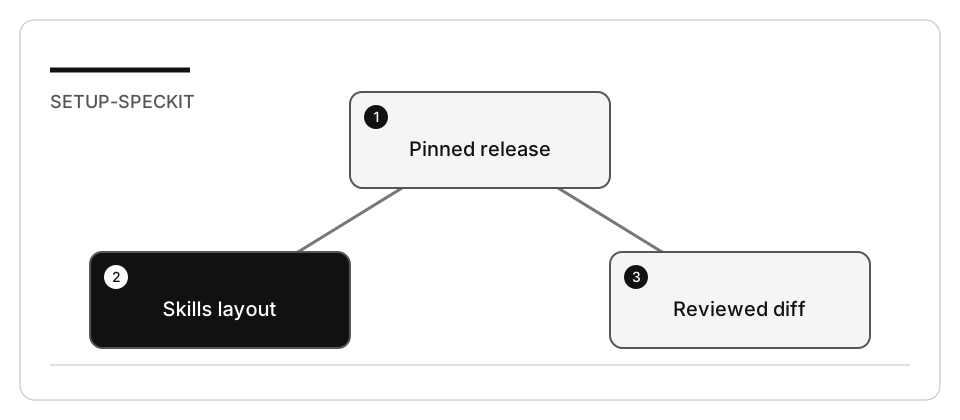
| At a glance | Your route |
|---|---|
| Level and time | 200; 25 minutes (facilitation estimate) |
| Starting action | Keep the untouched project and inspect every initialization change. |
| Learner materials | Download 13-greenfield.zip |
| Workspace | Open the extracted kit root; run the baseline from . relative to that root |
| Expected initial check | The unfinished RSS store fails with the documented exercise error. A missing runtime or syntax error is not the expected failure. |
| Setup help | Download, extract, local Git and optional GitHub |
[!NOTE] An installed CLI is not evidence that the selected host discovered its skills.
Concepts · First task · Evidence checklist · Reset
Learning objectives
- Pin and verify the Specify CLI and its integration.
- Distinguish skills mode from the optional commands layout.
- Avoid overwriting an existing project’s customization.
Before you start
Read environment and resource limits and the tagged Spec Kit reference. Choose one application stack. SQL Server LocalDB is not a requirement: the local track uses Node/TypeScript contracts and Python’s bundled SQLite support.
Concepts and use cases
Specify installs workflow scaffolding. An AI coding agent consumes that scaffolding. The application runs on the runtime you choose in the plan. Installing a Python CLI does not require your application to be written in Python.
Exercise scenario
You will prepare one project for a greenfield, brownfield, or modernization exercise. The purpose is discovery and a safe initialization diff, not implementation.
Task 1 - Verify tools before installing
- Inspect Git, the selected application runtime, Python, and uv.
- Set caches/tool paths on your work drive using the shared setup.
- Check for an existing Specify installation. Install v1.0.4 only when required, using one of the documented routes in the reference.
- Record
specify version, install source andspecify init --help. - Do not paste a sample version transcript as if it came from your machine.
Task 2 - Select the integration
- Choose the default Copilot skills layout for this track.
- Inspect the generated
.github/skills/speckit-*/SKILL.mdfiles after initialization. - Verify that the selected host discovers
/speckit-constitutionand/speckit-specify. Skills are relevant capabilities, not new mandatory agent roles. - If you intentionally choose
--integration-options="--commands", use Local for its prompt files and the generated dotted commands. Record that choice.
Task 3 - Initialize without overwriting
-
Prepare the fixture for lab 13, 14 or 17 in an unused directory.
-
Open only that copy and record a baseline Git commit.
-
Inspect existing
.github,.specify, and editor configuration. -
Run:
specify init --here --integration copilot --script sh -
Review the nonempty-directory confirmation and resulting diff. If initialization proposes replacing a file you need, stop and reconcile it deliberately.
-
On Windows choose
--script ps; do not run a remote installer with policy bypass or disable certificate validation to work around organizational controls.
Check yourself
Specify v1.0.4 is installed and pinned. Which observation counts as evidence that the Copilot integration is ready?
Choose an answer to see why it holds or fails.
- The command specify version returning v1.0.4, together with the recorded install source. That records the release and the install source, but the lab warns that an installed CLI is not evidence that the host discovered its skills.
- The selected host discovering /speckit-constitution and /speckit-specify. The checklist asks for the integration to be actually discovered in the chosen host; installing and generating files can both succeed without that.
- The presence of .github/skills/speckit-*/SKILL.md files after running specify init. Those files only show which layout was generated, which the checklist tracks separately from whether the integration is discovered.
Verify your work
- Release and install source are recorded.
- The integration is actually discovered in the chosen workspace/host.
- Generated files match the selected skills or commands layout.
- The original application and baseline tests remain unchanged.
- No database, subscription, global identity, or public repository was required.
Troubleshooting
| Symptom | Check |
|---|---|
| Dotted command missing | Default v1.0.4 uses hyphenated skill names |
| Prompt file not invoked | Use Local or select the skills integration |
| CLI not found | Configured UV_TOOL_BIN_DIR, not a guessed home path |
| Initialization conflict | Inspect baseline/diff; do not add --force blindly |
| Organization blocks download | Use its approved installation route; do not bypass TLS/authentication |
Independent practice
Compare files generated by skills and commands modes in two separate scratch projects. Explain which files are portable and which are host-specific.
Reset
Close the scratch workspace. Preserve the initialization diff and remove only that scratch copy when no longer needed. Do not uninstall shared tools used by other labs.